What exactly is going on with Windows 10 this Tuesday?
We will resolve all questions about migration to Windows 11 and explain the free alternative options for using the Windows 10 operating system.


The life of the Windows 10 operating system is coming to an end. From next Tuesday, October 14, Microsoft will stop providing official technical support to the old system, which will mean the retirement of the Windows 10 system.
In response to this news, doubts have increased among millions of users worldwide, as 40.5% of Microsoft computers worldwide use Windows 10.
Now, what can we do? Risk using Windows 10 or jump to Windows 11... two options, but little certainty.
Here we will clear up allthe doubts and propose a number of useful options to continue using the old operating system and take the step towards updating it.

What exactly is going on with Windows 10 this Tuesday?
On October 14, 2025, Microsoft Corporation will cease to provide official technical support for Windows 10. Ultimately, the operating system will remain alive but without support.
What does that mean for our computers?
This means that our computers will no longer receive security updates or technical support to protect against viruses, malware and other vulnerabilities.
In addition, over time the new programs and applications will cease to be compatible with Windows 10, which could prevent the useofbasic software such as web navigation programs (e.g. Chrome or Firefox), office packages (e.g. LibreOffice or Microsoft Office), security software (e.g.),
Is there any other choice or solution?
- Use Windows 10 without support : You can use your computer, but it would be dangerous and several key applications would stop working .
- Switch to Windows 11: This option can be made by updating your computer or buying a new computer with this operating system.
How can I update Windows 11?
The Windows system automatically provides updates , so in a single "click" we could have a computer with Windows 11.
If not, see "configuration" eta select "Windows Update", which will allow us to update the operating system.
I can't update the equipment, what's going on?
To update to Windows 11, your computer must have the latest update on Windows 10, i.e. the 22H2 version.
So the right thing to do would be to update the computer to that version and then migrate to Windows 11.
Is there another option to continue using Windows 10 FREE?
Yes, Microsoft offers a number of options because millions of users can escape, so there are two options:
- Updates until 2026
Windows offers a free option bat using "Windows Backup" or "Windows backup".
This provides a one-year security update. The system will be protected, but without new functions.
Steps to be taken:
- Go "Settings" > "Accounts" > "Your information" eta log in to your Windows account.
- After the session, make "Windows backup " or "Windows Backup".
In this way, we would continue to receive updates from Windows 10 until October 13, 2026. It may be that you do not receive any notification, but you will be notified sooner or later.
- SEU installation (until 2026)
Like backups, this option only provides security updates. The program does not include better or new features or technical support. Any user can register with the SEU at any time until the program ends\u00A0 on October 13, 2026.
But, beware, the deadline is 14 October.
Steps to be taken:
- Enter "Settings" > "Update and Security" > "Windows Update".
- Once you download version 22H2 (as required), press the link "Sign up now" > "Log in to this PC with a Microsoft account" (free) .

However, the following must meetthree essential requirements for the SEU installation: the latest update of Windows 10 (22H2), the opening of the Microsoft account associated with the device and the non-use of commercial devices.
All of these options can be temporary solutions for millions of users, but never definitive. Microsoft Corporation will continue to encourage users to use Windows 11.
So even if we keep our device with Windows 10, we shouldprepare it forthe future transition .
You might like

Tesla has introduced the Roadster, a vehicle capable of accelerating from 0 to 100 in less than a second
Mark Zuckerberg opts for independent supervisors to study AIs, ruling out slowing down development
Tesla introduces Cybercab, a bid for autonomous robotaxi
Custom robots: they have developed technology in Navarre specifically designed for the elderly

Instagram will restrict user profiles created and unidentified with artificial intelligence
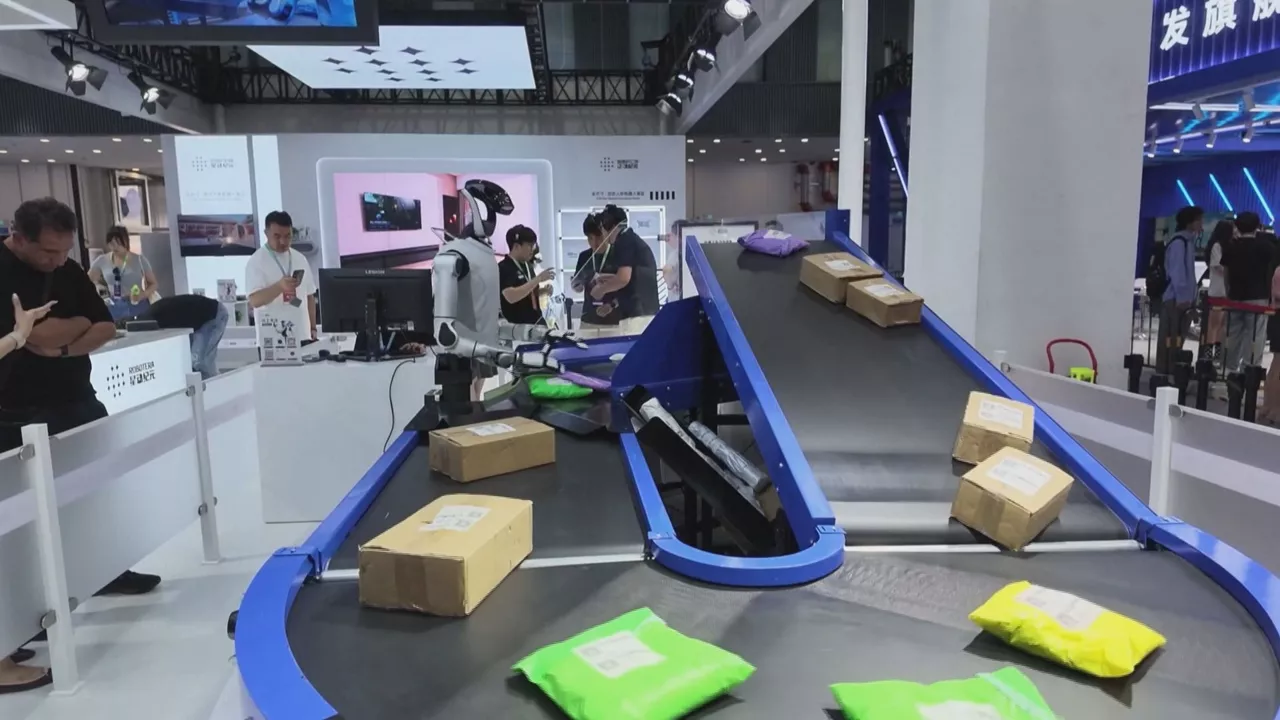
The most developed robotics that will be incorporated into our daily lives has reached the international conference in China

"Bluffing Aura," a viral social media contest

Sony will maintain record production before 2028, but with manufacturing limitations

The Basque Government has made the quantum computer available to companies: "We have a long line"